
Why choose Google TV?
Get more out of your TV with Gemini
Find what to watch just by asking
Just tell Gemini what you're in the mood for and it’ll help you discover the perfect pick by providing content details, asking clarifying questions, and offering suggestions based on what you like.
Learn on your big screen
From deep dives to quick facts, satisfy your curiosity without leaving the couch. Gemini brings your interests to life with detailed responses, vivid images, and supporting videos – turning your living room into a gateway for discovery.
Control your TV
Instead of navigating layers of complex menus, ask Gemini to do it for you3. Adjust picture and sound settings without leaving your show or even turn on movie or sports mode. It’s all the help you need, exactly when you need it.
Get creative with images and videos
Use Nano Banana or Veo for image and video generation, transforming your TV into a fun creative hub. It’s another reason to gather around the TV together.4

Stream what’s yours, discover what’s next
One place for everything you stream
Search across your streaming apps⁶
Browse content and recommendations from your favorite streaming services like YouTube, Netflix, Prime Video, and Disney+ in one place. No more jumping from app to app.
See all apps
Free channels out of the box⁷
Get access to hundreds of free live channels from Google TV Freeplay, Tubi, Pluto, and more – plus thousands of on-demand titles.
A watchlist for everything, anywhere
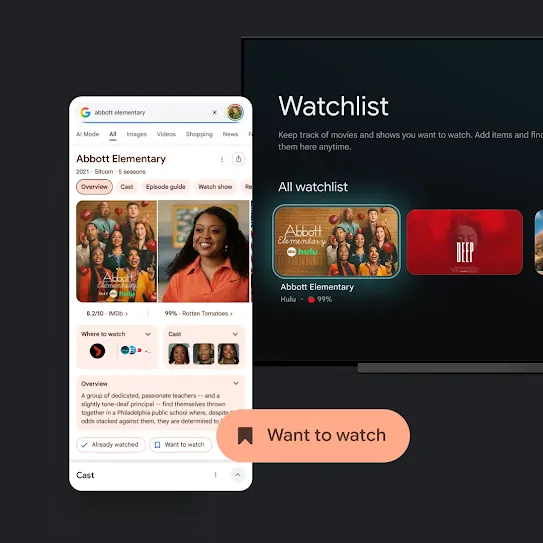
Add movies and shows from across streaming providers to one single watchlist8 using the Google TV app, your Google TV, or Google Search. It automatically syncs everywhere, so when you’re ready to watch, your list is ready for you.
Search across your streaming apps⁶
Browse content and recommendations from your favorite streaming services like YouTube, Netflix, Prime Video, and Disney+ in one place. No more jumping from app to app.
See all apps
Free channels out of the box⁷
Get access to hundreds of free live channels from Google TV Freeplay, Tubi, Pluto, and more – plus thousands of on-demand titles.
A watchlist for everything, anywhere
Add movies and shows from across streaming providers to one single watchlist8 using the Google TV app, your Google TV, or Google Search. It automatically syncs everywhere, so when you’re ready to watch, your list is ready for you.
TV that ties your home together
Smart home control
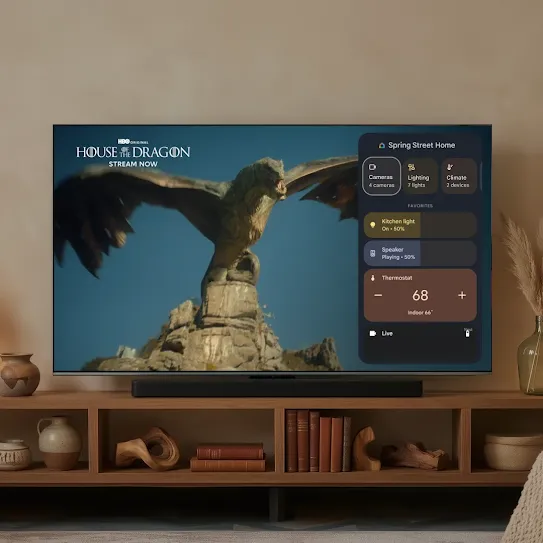
Dim the lights, turn down the temperature, and check your cameras – all from a smart home panel using your remote or your voice. Google TV connects with Google Home for seamless control of Nest doorbells and thermostats, and other supported smart home devices. Just like that, you’re ready for movie night.
Cross-brand compatibility
Google TV Streamers and select Google TVs are hubs for Google Home, meaning they can enable both local and remote access to control your Matter-supported devices.9
From art to atmosphere
Google Photos
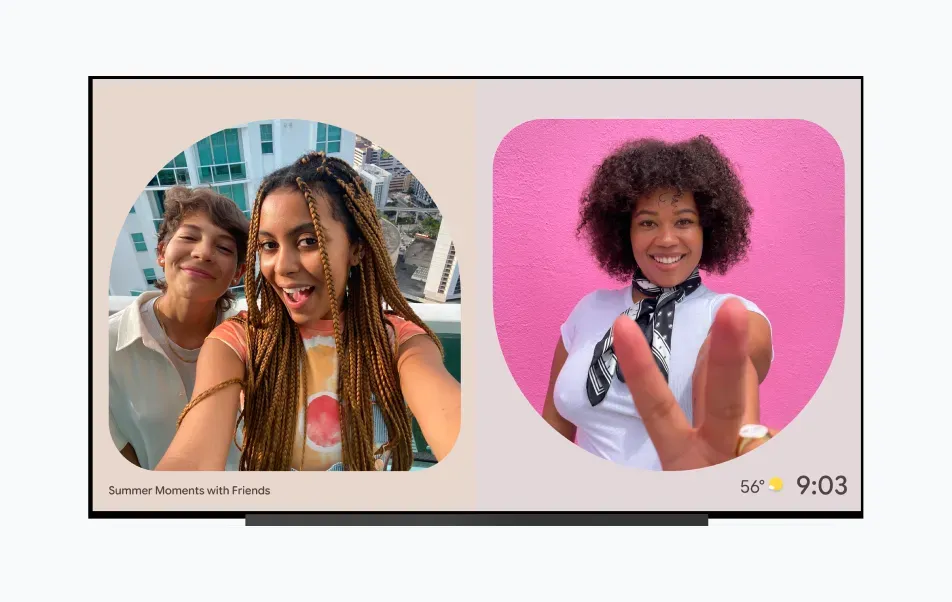
Easily search your Google Photos albums to revisit your favorite memories, remix your photos into something new or create dynamic slideshows with animations and collages.
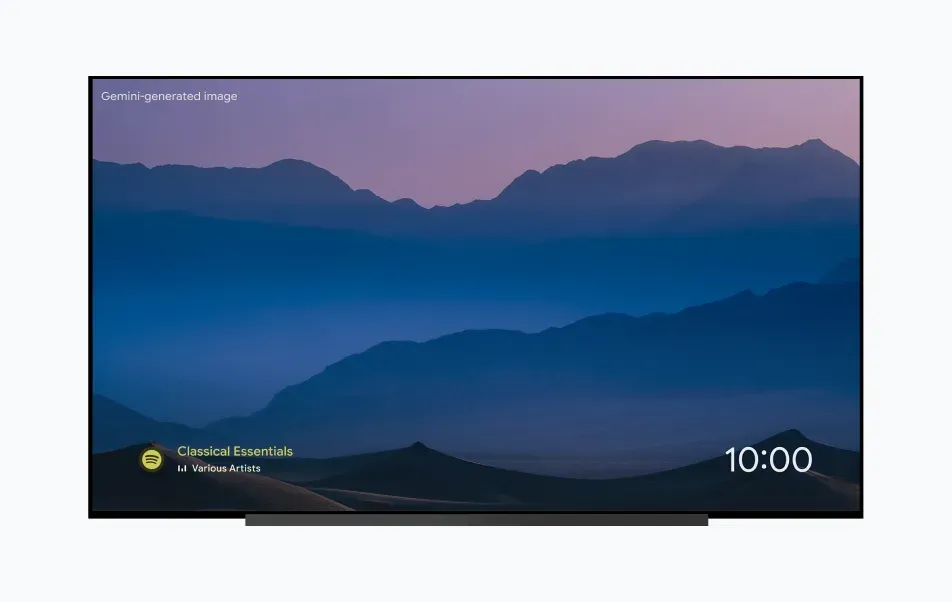
Music & podcasts
Match the mood with your favorite music and podcasts. Apps like YouTube Music, Spotify, and more give you easy access to your albums and playlists.
Do more on your big screen with your small screen
A remote that’s easy to find
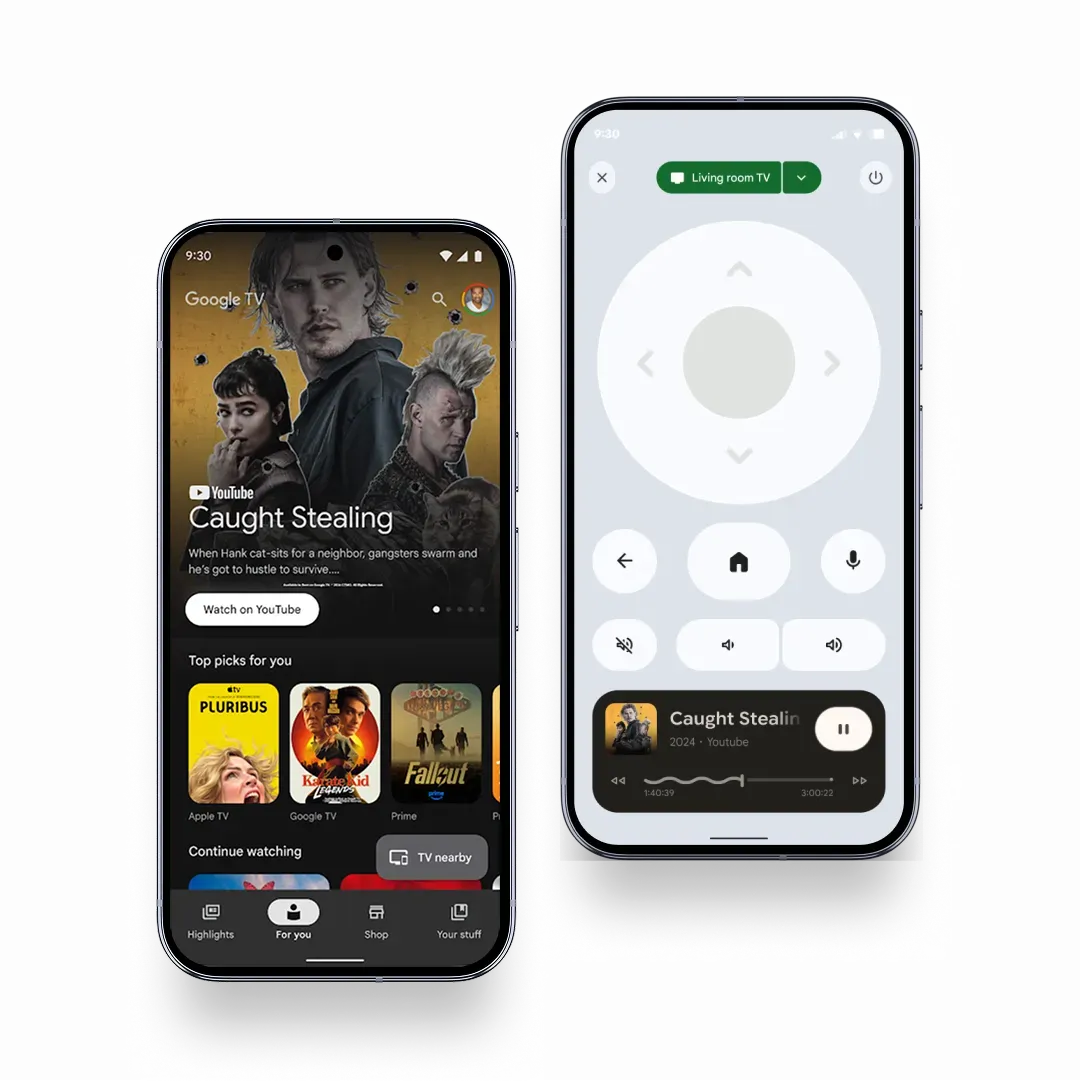
Navigate, search, and control using your phone with the virtual remote in your Google TV mobile app.11
Take Google TV with you
Browse recommendations, add new discoveries to your watchlist, and stay up to date with a feed of news, reviews and more – all on the go.
Works with Google Cast
Easily cast movies, shows, photos, and more from your phone or tablet, right to your TV.10


Built with security in mind
-
Control your data
Google TV is built with multi-layer security and easy-to-use privacy tools designed to help protect your personal data and viewing habits, so you have more control over your experience.
-
Gemini safety
Gemini on Google TV is built with robust privacy controls and industry-standard encryption. Easily manage your data and chat history to help keep your personal information secure.
-
Parental controls
Google TV lets you create locked children’s profiles with parent‑approved apps, time limits and content controls to help manage what your kids see.
Bring home Google TV
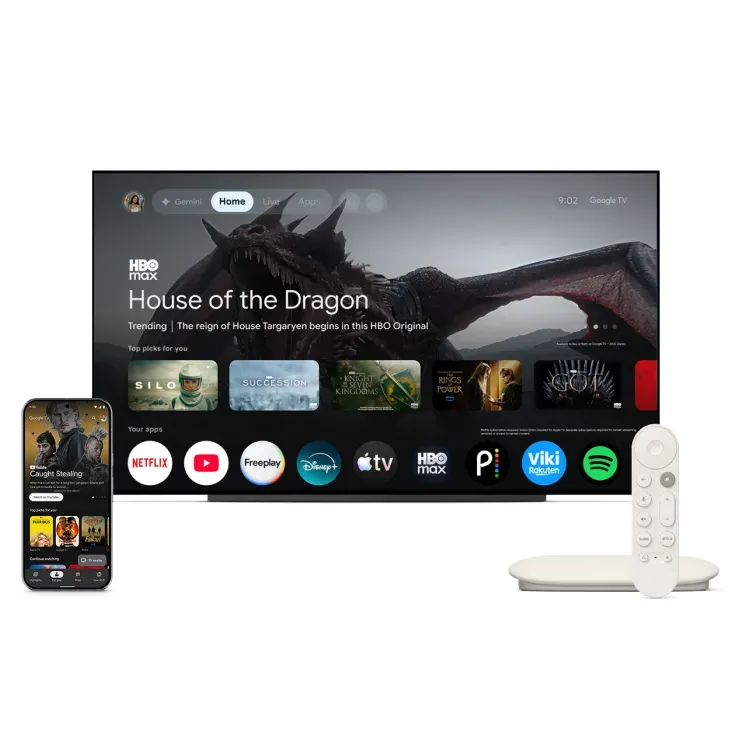
Ready to turn on a better TV? Browse a selection of smart TVs and streaming devices and start watching – the Google TV way.
Fallout and Gen V are available on Prime. Amazon Prime membership or Prime Video fees apply. See primevideo.com/terms for details.
1Compatible smart device(s) and an internet connection is required to access smart home features.
2The Gemini for TV experience is optimized for large screen experiences. Available for select devices, countries, and languages. Setup, Google account, and internet connection required. Android TV OS 14+. Results for illustrative purposes and may vary. Check responses for accuracy. Sequences shortened. Learn more at g.co/tv/gemini.
3Currently available on select devices.
4To see personal photos, Google Photos is required.
5Watch on Prime. Amazon Prime membership or Prime Video fees apply. See primevideo.com/terms for details.
6Some apps and/or content may not be available in all countries. Subject to availability.
7Live TV available in the US only. Subscription(s) required to access certain live TV content.
8To access or edit your watchlist you must be signed into your Google Account.
9Eligible for Chromecast with Google TV, Google TV Streamer, and select panel TVs with Google TV running Android 14 or higher.
10Casting optimized for selected services only.
11Virtual remote is available through the Google TV app for Android and iOS.
Some apps, content, and/or features may not be available in all countries. Subject to availability. Subscription, download, or purchase may be required for viewing.